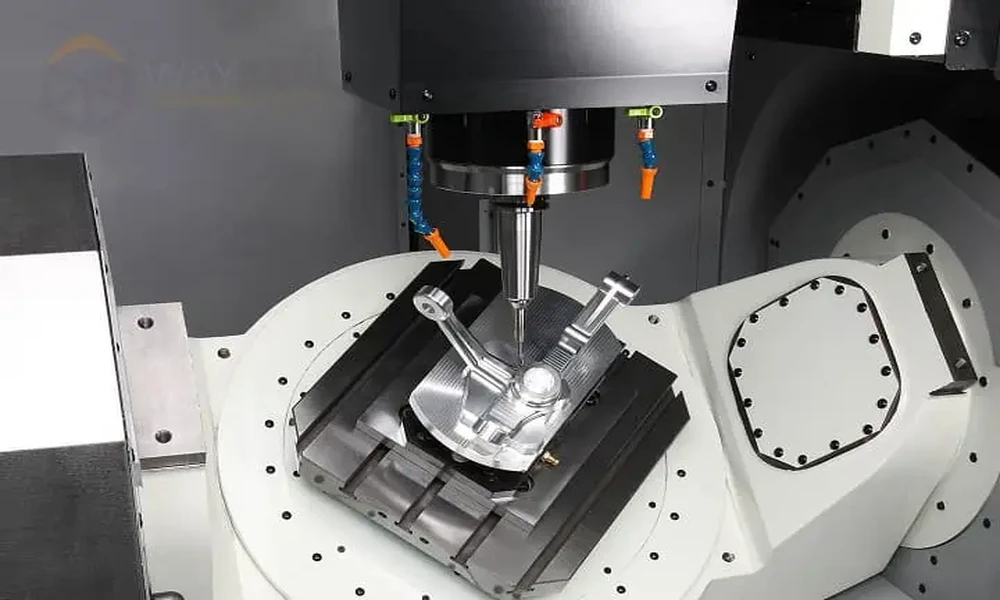




A technician closes the access gate after checking a fixture. The screen changes to Ready, but the lock status still reads Unlocked. Which indication should the technician trust? The answer depends on what each label means. On an automotive work cell, people should be able to tell whether the guard is shut, whether the lock has engaged and whether a new cycle is permitted.
Give each indication a source
A closed indication answers a question about the guard’s position. A locked indication answers a different question about whether a device is holding the guard closed. A ready indication usually summarizes several control conditions. Ask which documented input or controller state supports each label on the operator screen. A label that follows a command to engage a lock may appear before the lock actually confirms engagement.
This matters during a rushed changeover. A gate can look shut while its actuator sits just out of position. A locking command can be issued while the lock has yet to confirm. If the operator sees the same message in both cases, the screen gives little help to the person investigating the stop. Ask for messages that distinguish the guard position, lock feedback and any remaining reset or restart condition.
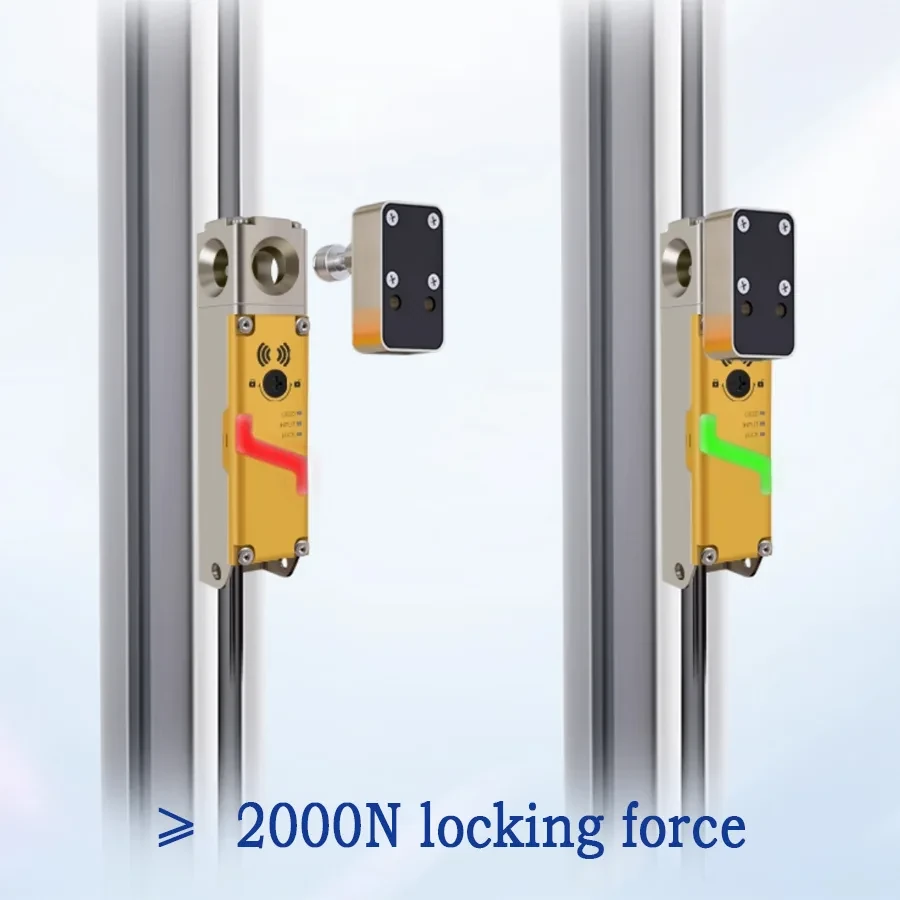
Example of a guard-locking switch and actuator on an access door.
Specify the function before asking for a switch
The safety door switch and guard lock comparison lets a buyer compare monitoring devices with models that also hold a guard closed. Use the guard drawing and machine assessment to determine which role is needed at each opening. A machine can have a frequently used gate and a separate service door, with different access and release requirements.
The safety door interlock selection guide covers electrical interfaces and actuator choices as well as the difference between monitoring and locking. For the quotation, ask the supplier which states the proposed model can report, what changes between variants and which functions depend on the controller. The model table and connection diagram are better references than a description that just says safety switch.
Make the screens useful during handover
Use the machine builder’s validation plan to review the indications alongside actual events. Include closing the guard without completing the required reset and attempting to close it with an actuator that does not seat. If the design monitors locking, compare its reported state with the corresponding display message. Record what the operator should see during a fault and what action is allowed by the approved operating procedure.
The most useful handover document names the condition, where it comes from and who is responsible for it. That gives maintenance a way to distinguish a guard alignment problem from an incomplete reset or a separate controller fault. The display helps people understand the state. The validated safety controls enforce the machine’s actual response.
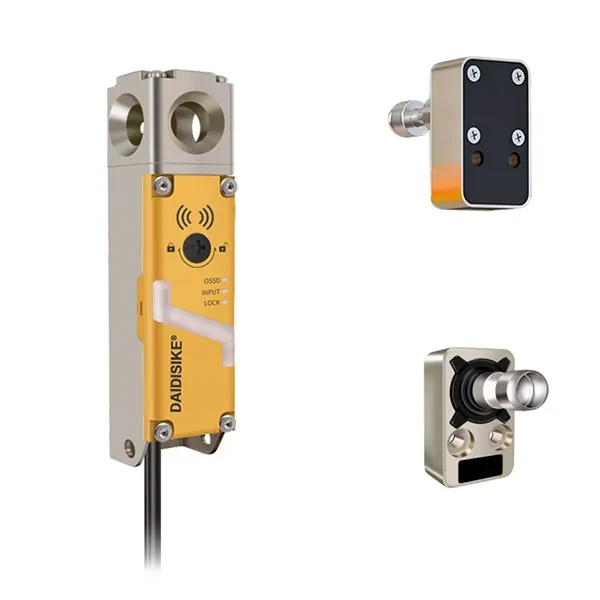
Example of guard-lock hardware and accessories. Check the items supplied with the selected order code.